InspectDay
Report writing
Publishing
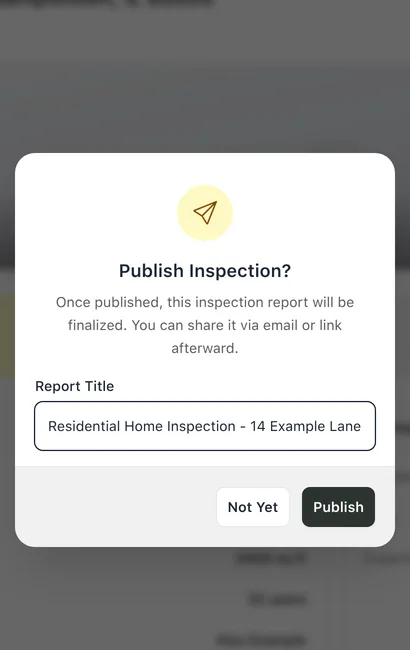
Publish an inspection once every item is complete, since a published report is final.
Published inspections are read-only, and the report can then be shared by link or by email. On the phone, the Publish button reads Publish Progress while items remain, and it is refused while changes to the inspection are waiting to send or have failed.
The step is in Help: Publish.
Limits
- Shared link
- A shared link serves the report with no sign-in for as long as the inspection stays published.