InspectDay
Help
Publish
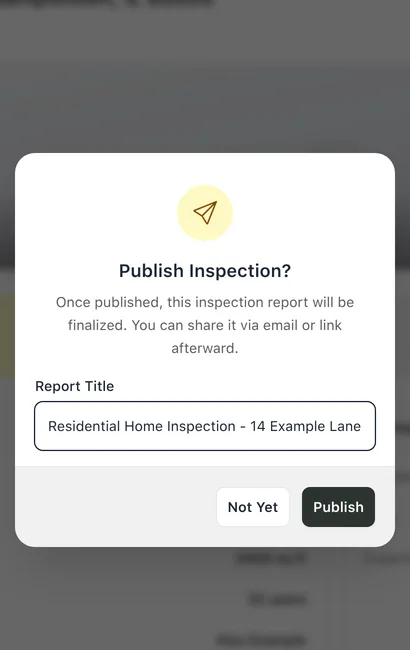
Publish an inspection's report, so it can be shared by email or link.
To publish a report:
- On the inspection’s details page, click Publish.
- In Publish Inspection?, check the Report Title. It starts as the inspection’s report title.
- Click Publish.
Limits
- After publishing
- The report is finalised. Published inspections are read-only.