InspectDay
Help
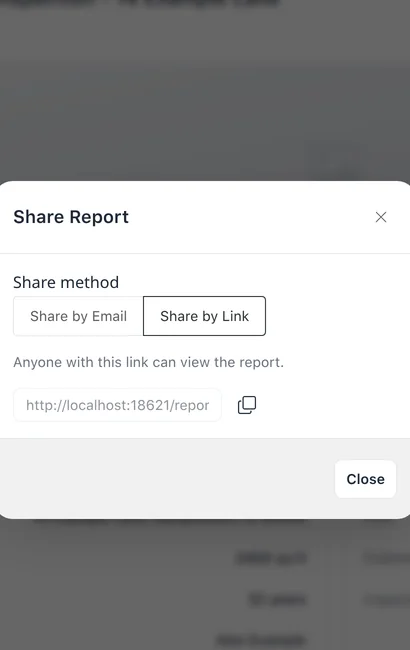
Share by Link
Generate a link to a published report, which anyone with the link can view.
To share a report by link:
- On the inspection’s details page, click Share.
- In Share Report, choose Share by Link.
- Click Generate Link. The link is shown.
Limits
- Available
- Share appears once the inspection is published.
- Access
- Anyone with the link can view the report.