InspectDay
Help
Share by Email
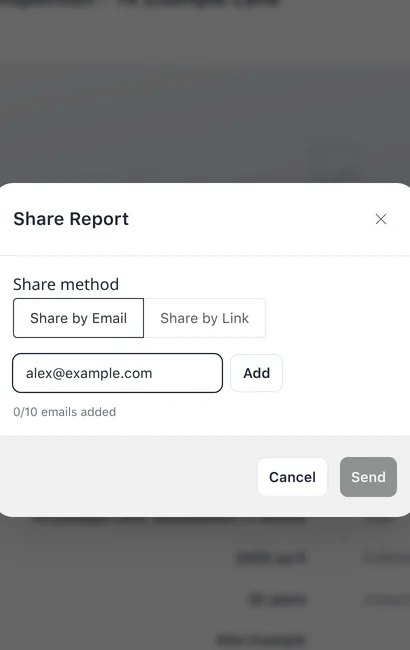
Send a published report by email, to up to 10 addresses.
To share a report by email:
- On the inspection’s details page, click Share.
- In Share Report, choose Share by Email.
- Enter an email address and click Add. Repeat for each address.
- Click Send.
Limits
- Available
- Share appears once the inspection is published.
- Addresses
- Up to 10. Add is disabled while the field is blank or 10 addresses are added. Send is disabled until one address is added.