InspectDay
Help
Users
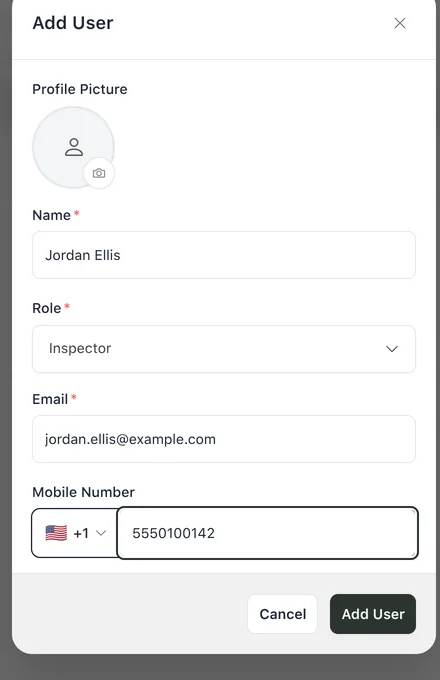
Add the people on your team and give each one a role.
To add a user:
- Click Add User.
- Enter a Name and an Email address.
- Choose a Role: Admin, Manager or Inspector.
- To add a phone number, enter a Mobile Number.
- Click Add User.
Only the Owner and Admin roles open Users.
Limits
- Name
- Required. 2 to 50 characters.
- Required. A valid email address.
- Free plan
- One Inspector and no Admin. A new or changed user beyond that is refused.