InspectDay
Help
Export CSV
Download your inspections as a CSV file.
To export the inspections list:
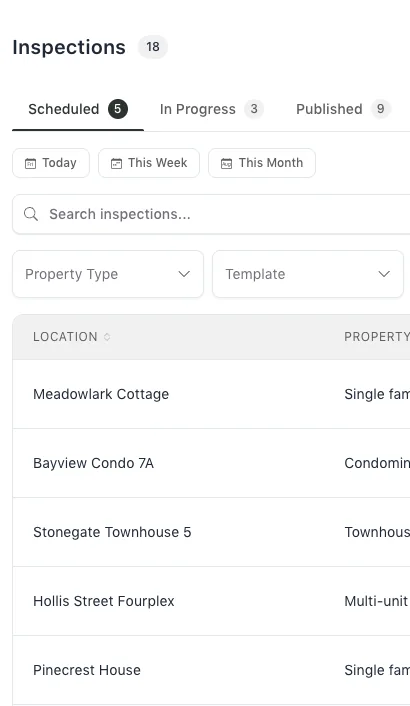
- On the Inspections page, click Export CSV.
The file is inspections.csv. Its columns are Report Title, Location, Property Type, Date, Template and Status. An overdue inspection’s Status is Overdue.
Which rows the export takes is in the Academy lesson The inspections list.
Limits
- Shown when
- The inspections list has inspections.