InspectDay
Help
Cancel Inspection
Cancel a scheduled or in-progress inspection, with a reason.
To cancel an inspection:
- On the inspection’s details page, click Cancel.
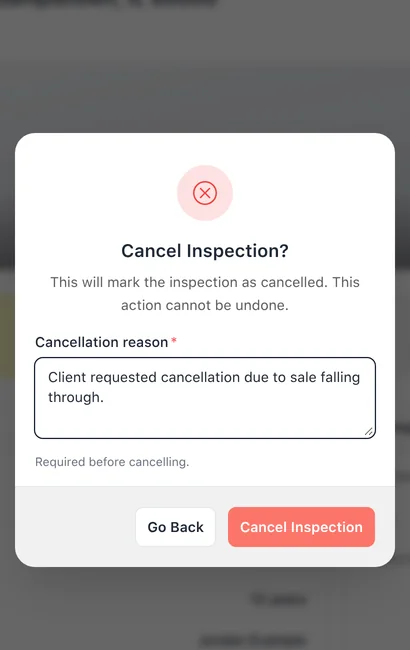
- In Cancel Inspection, enter the Cancellation reason.
- Click Cancel Inspection. To keep the inspection, click Go Back.
Limits
- Available
- Cancel is shown while the inspection is scheduled or in progress.
- Reason
- A cancellation reason is required.
- Undo
- Cancelling cannot be undone.