InspectDay
Templates
Inspection templates
Build a template once, then start a new one by copying it when the structure repeats.
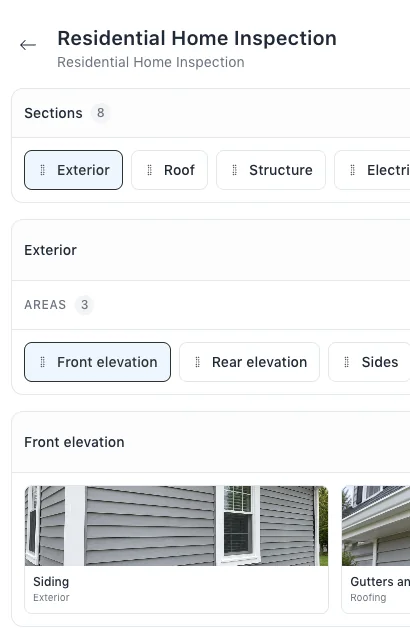
Start a template from scratch, or choose Start from template to copy one. A copy keeps the original’s sections, areas, items and property types, and takes the original’s name with a copy suffix.
The steps are in Help: Inspection Templates and Inspection Items.
Limits
- Reordering
- Sections and areas can be reordered; items cannot.
- Copying
- Only the organisation that owns a template can read or copy it.