InspectDay
Help
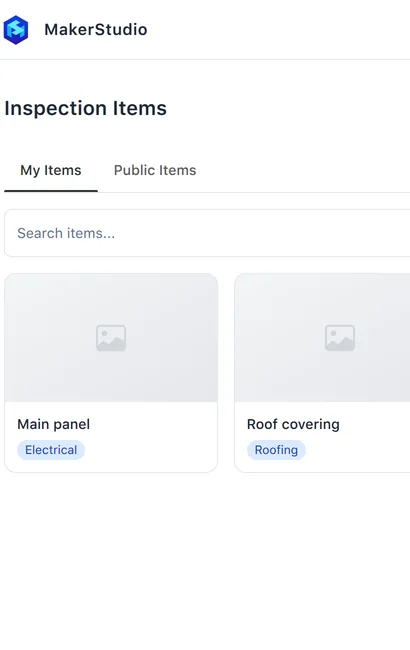
Inspection Items
Add the items an inspection checks, with their type names and what to look for.
To add an item:
- Click Add Item.
- On Details, enter an Item Name, choose a Category, and add a cover image if you have one.
- Click Next.
- On Types, enter a type name in Type Names, and press Enter or click Add. Repeat for each type name.
- Click Next.
- On Look For, describe what inspectors should check in What to Look For.
- Click Create.
Limits
- Item Name
- Required.
- Category
- Required.
- Type Names
- Add at least one.