 InspectDay
Switching
Switch from Tap Inspect
Share and download each report you need before you cancel.
Tap Inspect's help pages, checked on
- What moves
- Your templates and your own comments, rebuilt in your InspectDay account.
- What does not move
- A vendor's stock comment library, past reports and client records.
- How
- The team rebuilds your templates by hand, from a report you have published.
What to take out of Tap Inspect
- Download a report’s PDF from the web account: sign in, open the job, go to the Review tab, open the report, choose Download Report, then Download Full Report or Download Report Summary Only. Only a report you have shared can be downloaded.
- Download each report on its own. Photos come out only inside the PDF.
- Sharing sends the client an invitation email with a link to the client portal, and the web report opens from there.
- Export Job History, from the Jobs Dashboard action menu in the web account, gives a CSV of your jobs with the property address, date and client. It does not include photos or report contents.
- Export contacts from the web account: choose Contacts, then the action button, then Export Contacts. Choose Everyone or Only Specific Roles, then Export, then Download to get
contacts.csv, which includes each person’s information collected in Tap Inspect. - Ask Tap Inspect support for a JSON export of your Saved Comments. It comes in four related tables: types, categories, comments and ranks.
- After you cancel the Unlimited or Team plan, you can no longer publish, share or update reports. Download and publish each report you need before you cancel.
- Deleting the account removes all reports and contacts for good, 30 days after support confirms. Keep the account until the team has rebuilt your templates.
What InspectDay rebuilds
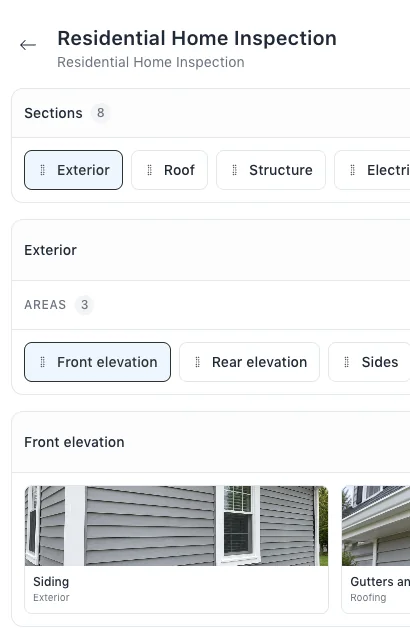
- Your inspection templates, with their sections, areas and items.
- Your own comments, as findings and recommended actions in your libraries.
Sources
Name Tap Inspect in your message.
The team will reply by email and ask for a link to a report you have published.