 InspectDay
Switching
Switch from Palm-Tech
Export your inspections from Palm-Tech before you cancel.
Palm-Tech's export steps, checked on
- What moves
- Your templates and your own comments, rebuilt in your InspectDay account.
- What does not move
- A vendor's stock comment library, past reports and client records.
- How
- The team rebuilds your templates by hand, from a report you have published.
What to take out of Palm-Tech
- The Export button generates a Microsoft Excel (XLSX) spreadsheet of your inspections.
- Palm-Tech recommends backing up important information with the Export option before you cancel. Access runs to the end of the period.
What InspectDay rebuilds
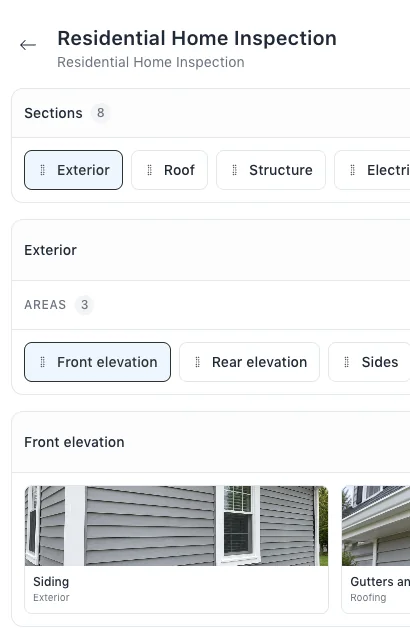
- Your inspection templates, with their sections, areas and items.
- Your own comments, as findings and recommended actions in your libraries.
Sources
Name Palm-Tech in your message.
The team will reply by email and ask for a link to a report you have published.