 InspectDay
Switching
Switch from Horizon
Horizon's data is no longer accessible after December 15, 2026, so take your records out before then.
Horizon's export list and closing date, checked on
- What moves
- Your templates and your own comments, rebuilt in your InspectDay account.
- What does not move
- A vendor's stock comment library, past reports and client records.
- How
- The team rebuilds your templates by hand, from Horizon's Company Templates export.
What to take out of Horizon
- Request each export from the Export Centre under Profile. Horizon offers six:
- CRM Agents
- CRM Clients
- Inspection Bookings (work order data)
- Company Templates (report templates and configuration settings)
- Dashboard Data
- Tax Reporting Data
- Each export is sent as a download link to the account’s primary administrator. A link expires after 14 days; request a new one from Horizon.
- Horizon stays available until December 15, 2026.
- None of the six is past reports, report PDFs or photos. Save each report’s PDF before December 15, 2026.
- Ask horizon.support@carsondunlop.com about a bulk export of past reports.
What InspectDay rebuilds
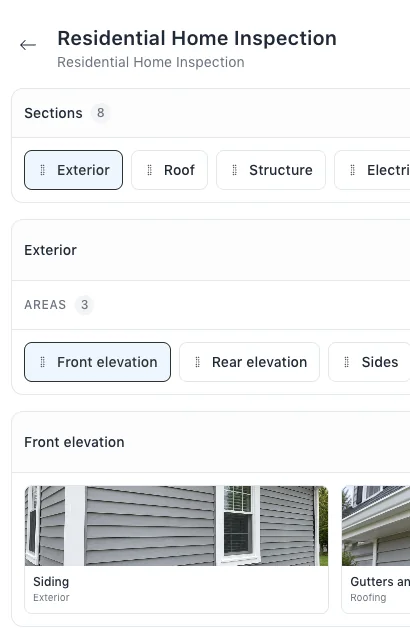
- Your inspection templates, with their sections, areas and items.
- Your own comments, as findings and recommended actions in your libraries.
Sources
Name Horizon in your message.
The team will reply by email and ask for your Company Templates export.