 InspectDay
Switching
Switch from HomeGauge
Copy your Templates folder from the HomeGauge desktop writer before you move.
HomeGauge's export steps, checked on
- What moves
- Your templates and your own comments, rebuilt in your InspectDay account.
- What does not move
- A vendor's stock comment library, past reports and client records.
- How
- The team rebuilds your templates by hand, from your Templates folder on the desktop writer.
What to take out of HomeGauge
- On the desktop writer, copy the Templates folder under
Documents\HomeGauge. - Save each report’s PDF from the dashboard: open the report, choose View Document, then PDF, then Save PDF. HomeGauge Backup does not back up reports.
- On the dashboard, open Contacts, then Real Estate Pros or Buyers/Sellers, then Export, for all years or one year. The export is a CSV.
What InspectDay rebuilds
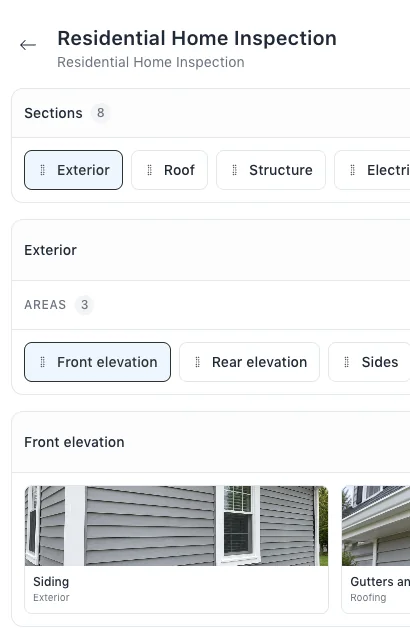
- Your inspection templates, with their sections, areas and items.
- Your own comments, as findings and recommended actions in your libraries.
Sources
Name HomeGauge in your message.
The team will reply by email and ask for your Templates folder.