InspectDay
Help
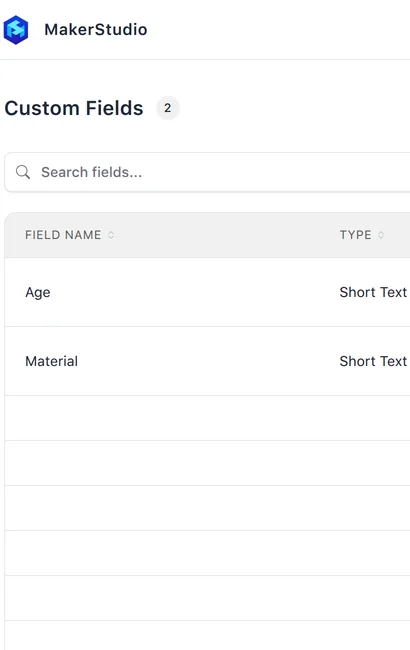
Custom Fields
Add fields that appear for an item in the conditions you choose.
To add a custom field:
- Click Add Custom Field.
- Choose a Category, and enter a Field Name.
- Under Item Conditions, choose one or more conditions.
- Choose a Field Type: Short Text, Long Text, Select, Multi Select or Date.
- For Select or Multi Select, enter each option and click Add. Add at least 2 options.
- Click Create.
Limits
- Category
- Required.
- Field Name
- Required. At least 2 characters.
- Item Conditions
- Choose at least one of Good, Needs Attention, Deficient and Unable to Inspect.
- Options
- For Select and Multi Select, add at least 2 options.