InspectDay
Help
Create Account
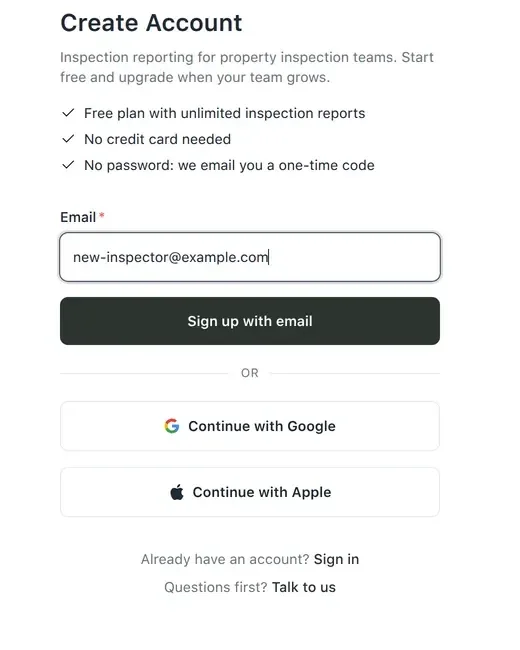
Create an account with your email address, then confirm the one-time code we email you.
To sign up with email:
- On the sign-in page, click Sign up.
- Enter your Email, and click Sign up with email. You can click Continue with Google or Continue with Apple instead.
- Enter the 6-digit Verification Code from the email we send you, and click Verify.
No password is needed. If the code does not arrive, click Send code again on the Check your email page.
After you verify the code, InspectDay opens Create Your Organization.