InspectDay
Help
Company Profile
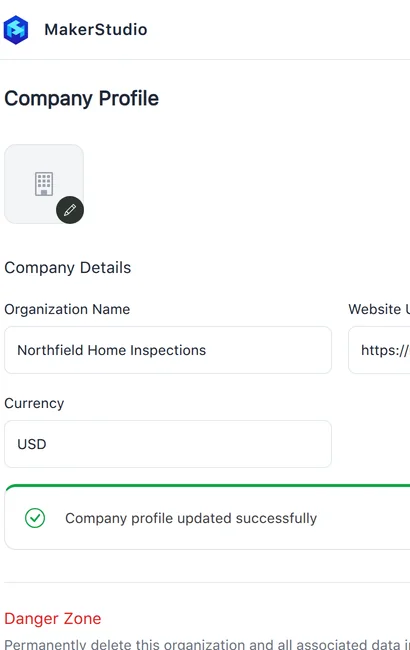
Set your organization's name, website and currency, and delete the organization as its owner.
To change the company details:
- Under Company Details, enter the Organization Name, Website URL and Currency.
- Click Save Changes.
To change the logo, upload a JPEG, PNG or WebP image.
To delete the organization, as the owner:
- Under Danger Zone, click Delete Organization.
- In the confirmation, click Delete.
Limits
- Delete Organization
- Owner only. All data, including users, inspections, templates and reports, is permanently wiped. This cannot be undone.